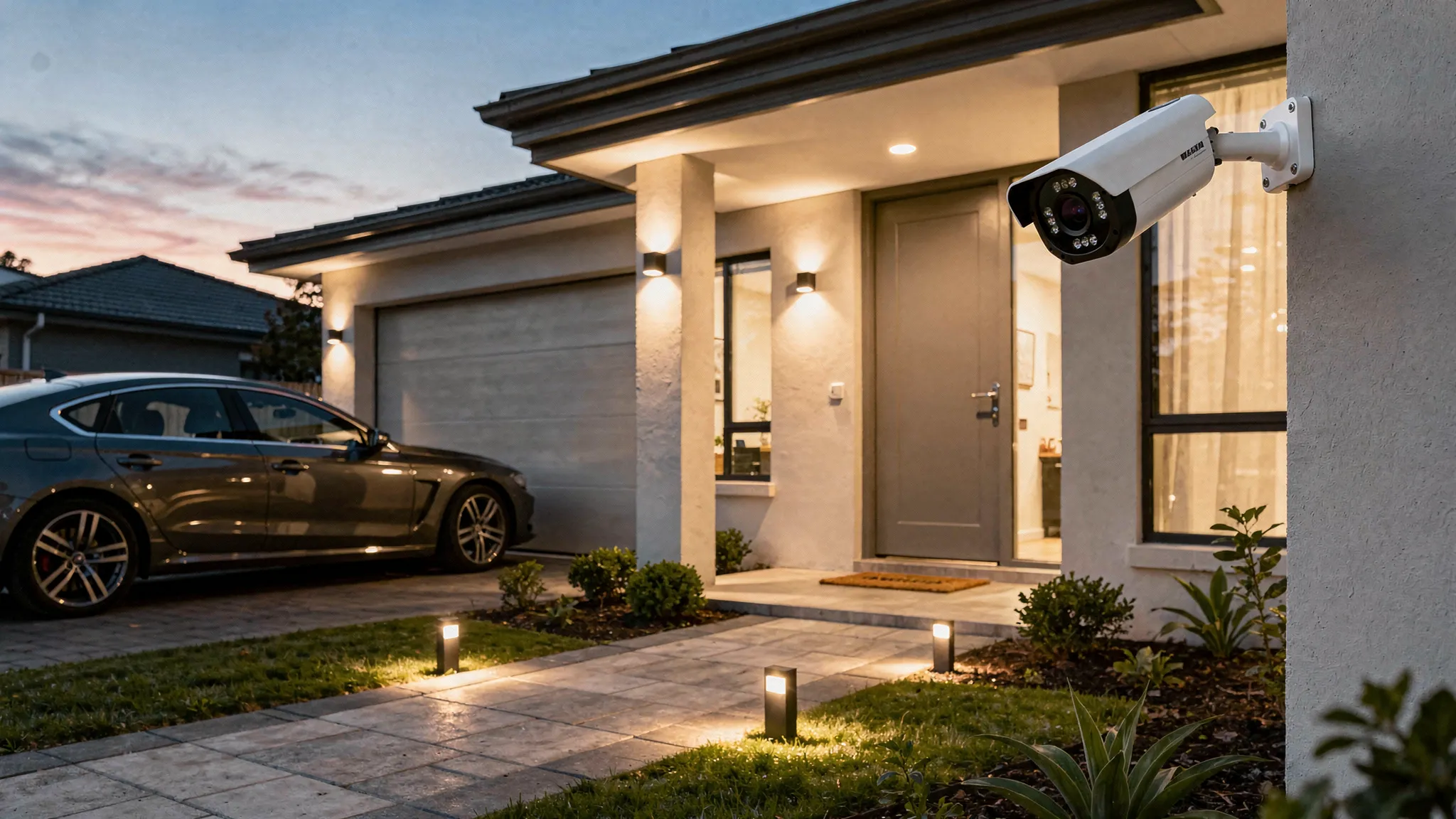
Most people start shopping for a security camera for home after a near miss: a parcel goes missing, a neighbour reports suspicious activity, or you simply want more peace of mind when you are away. The tricky part is that “security camera” can mean anything from a basic indoor webcam to a weatherproof, AI-enabled system with night vision and remote access.
This guide walks you through the practical decisions that matter, so you can choose a camera that actually fits your property, your routines, and your privacy expectations.
1) Start with the use case (this prevents expensive mistakes)
Before comparing specs, get clear on what you need the camera to do. A camera that is perfect for a front door may be wrong for a back garden, a driveway, or an indoor hallway.
Ask yourself:
- Where is the risk? Front door, side passage, back gate, garage, shared access path, inside entryway.
- What do you need to identify? Motion only, clear faces, number plates, or general activity.
- When does it matter most? Night time, working hours, weekends away.
- Who will use it? Just you, or multiple household members who need app access.
If your goal is identification (not just “something moved”), prioritise image quality, positioning, and night performance over clever add-ons.
2) Indoor vs outdoor cameras: the requirements are different
Outdoor cameras have to deal with rain, wind, glare, low winter light, and big temperature swings. Indoor cameras are more about discreet placement, two-way audio, and privacy.
| Location | What matters most | What to look for |
|---|---|---|
| Front door / porch | Faces, parcels, night performance | Strong night vision, wide enough view, reliable motion detection |
| Driveway | Vehicles, wider area coverage | Wider view, good low-light performance, optionally pan/tilt to follow movement |
| Back garden | Long range at night, weather resistance | Weatherproof rating (for example IP66), infrared night vision, stable Wi‑Fi range |
| Hallway / entryway | Awareness and two-way talk | Two-way audio, privacy controls, easy app access |
If you only buy one camera, most households get the best value by covering the main entry point first.
3) Image quality: resolution is not the whole story
A common mistake is buying based on “HD” or “2K” alone. Resolution helps, but real-world clarity depends on several factors.
Resolution (HD and beyond)
Look for at least HD for general monitoring. If you want better identification at distance, higher resolution helps, but only if the lens and night performance keep up.
Field of view (how much you can see)
A very wide view can capture more area, but faces may become smaller and harder to identify. A narrower view can be better for a doorway where you want detail.
Zoom and camera movement
If you need flexibility, features like pan/tilt and zoom let you adjust coverage without relocating the camera. This can be especially useful for driveways, patios, and open-plan areas.
For example, a camera such as the Nakavision C1 includes pan/tilt and 4x zoom, which can help when you want one camera to cover multiple angles.
4) Night vision: check how it performs, not just whether it has it
Night vision is often where cheaper cameras disappoint. For UK winters and low-light conditions, prioritise:
- Infrared night vision that produces a clear image without heavy blur
- Strong infrared illumination for longer reach (useful for gardens and driveways)
- Smart detection to reduce constant “false alarms” triggered by shadows or headlights
Nakavision C1, for instance, specifies high-intensity infrared lights, which is a meaningful feature when your key events happen after dark.
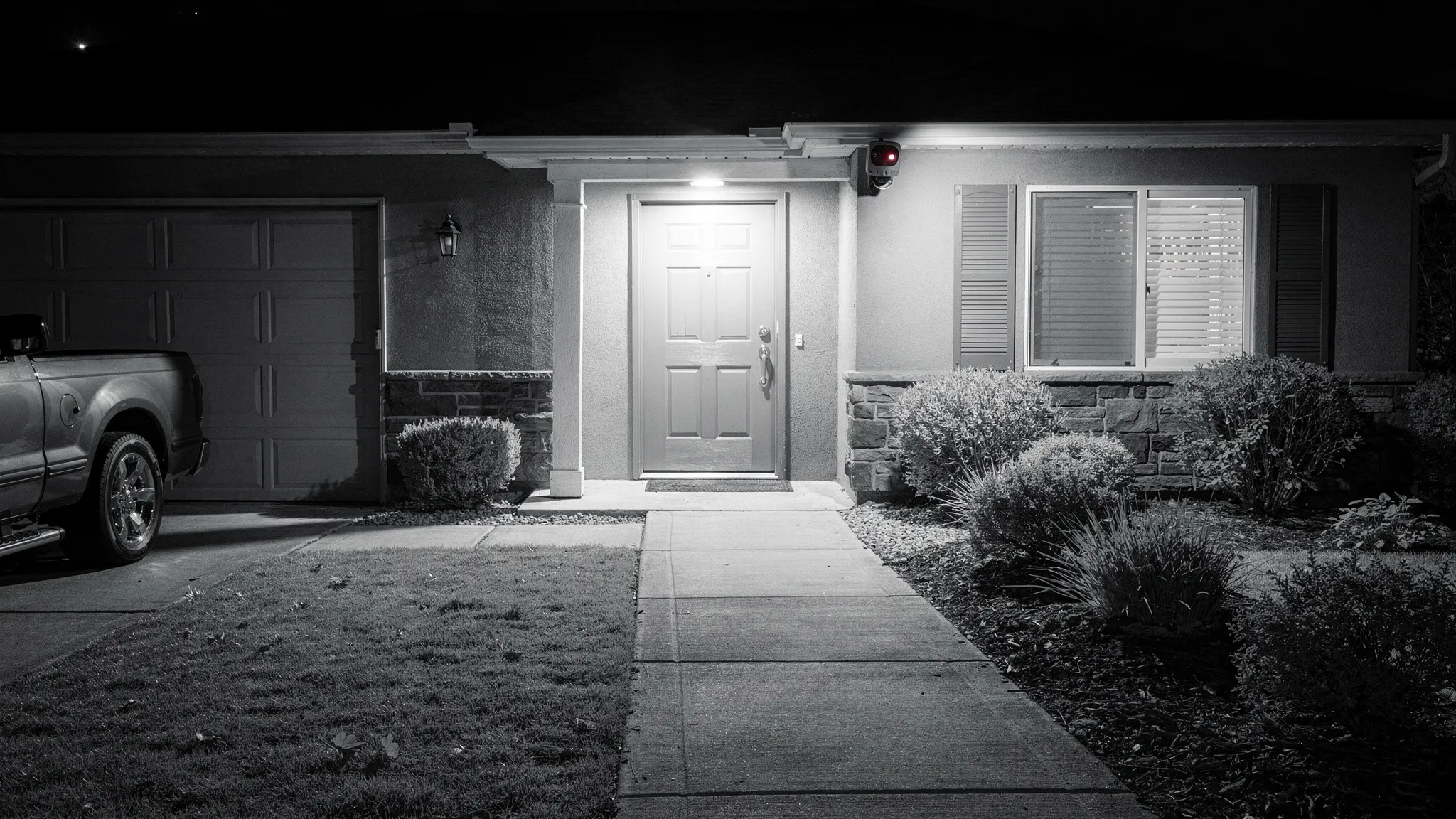
5) Detection and alerts: AI features are only valuable if they reduce noise
Many buyers want instant alerts, but alerts only help if they are accurate.
Motion detection vs human detection
Basic motion detection can be triggered by rain, trees, pets, shadows, and passing traffic. Cameras with AI human detection are typically better at filtering events so you get fewer nuisance notifications.
If you have a busy street, a shared walkway, or frequent deliveries, human detection becomes a high-impact upgrade.
Tracking moving people
Some cameras can track movement across the scene. If you want to understand where someone went (gate to door, driveway to side passage), AI-powered tracking can provide a clearer story than a fixed view.
6) Storage: cloud, local, or both
Storage is a major decision because it affects cost, reliability, and how quickly you can retrieve footage.
Cloud recording
Cloud storage is convenient, especially if a camera is stolen or damaged. The trade-off is you may have an ongoing subscription, depending on the provider.
Local recording (MicroSD)
Local storage can avoid monthly fees and can be fast to review, but footage may be lost if the camera is taken or the card is damaged.
Best practice: choose a camera that supports both
A flexible setup gives you options. The Nakavision C1 supports cloud and local recording and MicroSD card support, which is useful if you want redundancy or want to start locally and add cloud later.
| Storage type | Pros | Cons | Best for |
|---|---|---|---|
| Cloud | Off-site backup, easy access | Possible subscription, depends on internet | High security needs, theft risk |
| Local (MicroSD) | No recurring fee, quick playback | Risk if camera is stolen, card limits | Budget-focused, indoor cameras |
| Cloud + local | Redundancy and flexibility | Can be more setup | Most households who want reliability |
7) Connectivity and remote access: reliability matters more than features
Most modern cameras rely on Wi‑Fi and a mobile app for live view and playback. When comparing options, think about your home’s layout.
- Camera location vs router distance: external walls and brick can reduce signal.
- App experience: you want fast loading, straightforward playback, and stable notifications.
- 24/7 access: check that the camera is designed for always-on monitoring, not only event clips.
If remote monitoring is core to your needs, choosing a camera designed for 24/7 remote access (like Nakavision C1) matters.
8) Audio: two-way talk can be a real safety feature
Two-way audio is often marketed as a convenience feature, but it can also be protective.
- Speak to delivery drivers without opening the door.
- Warn off trespassers if you get an alert.
- Check in on family members if the camera is used indoors.
Nakavision C1 includes two-way audio intercom, which aligns well with front-door, hallway, or driveway coverage.
9) Outdoor durability: understand IP ratings and placement
For outdoor use, look for a clearly stated weatherproof rating (IP ratings). A camera rated IP66 is designed to cope with rain and dust in typical outdoor installations.
Placement tips that help performance and longevity:
- Mount under eaves if possible to reduce direct rain on the lens.
- Avoid pointing directly at bright lights to reduce glare.
- Angle slightly downward to capture faces rather than only the tops of heads.
Nakavision C1 is listed as IP66 weatherproof, which makes it suitable for many outdoor setups.
10) Privacy and security: do not skip this part
A home camera is a security device, but it also collects sensitive data. Two practical steps:
Follow UK privacy expectations
If your camera captures beyond your property boundary (for example a public pavement or a neighbour’s garden), you should understand your responsibilities. The UK Information Commissioner’s Office provides guidance for domestic CCTV users.
Secure the account and device
Good security hygiene makes a big difference:
- Use a unique, strong password for the camera app account.
- Enable multi-factor authentication if available.
- Keep firmware updated when updates are offered.
- Review who has access to the camera in the app.
11) A simple buying checklist (match the camera to your goal)
Use this as a quick filter when comparing models.
| Your goal | Prioritise | Nice to have |
|---|---|---|
| See who is at the door | Clear image, night vision, reliable alerts | Two-way audio |
| Monitor a driveway | Wider coverage, night performance | Pan/tilt, zoom, tracking |
| Reduce false alerts | AI human detection | Activity zones (if offered) |
| Avoid subscriptions | MicroSD local recording | Cloud as optional backup |
| Outdoor all-year use | Weatherproof rating (for example IP66) | Mounting options |
12) Where Nakavision C1 fits (example of a balanced spec set)
If you are looking for a single camera that covers common “must-haves” for a security camera for home, Nakavision C1 is positioned around several practical decision points covered above:
- Dual-lens HD monitoring for high-quality imaging
- AI human detection and AI-powered tracking to improve alert quality
- Night vision with high-intensity infrared lights
- Pan/tilt and 4x zoom for flexible coverage
- IP66 weatherproof for outdoor use
- Cloud and local recording plus MicroSD card support
- Two-way audio intercom and mobile app integration for remote access
The key is to match these capabilities to your layout and priorities, especially camera placement and night coverage.
Frequently Asked Questions
What is the best security camera for home use in the UK? The best choice depends on where you are monitoring (front door, driveway, garden, indoors) and whether you need identification-quality footage, night vision, and reliable alerts. In the UK, weatherproofing for outdoor cameras and strong night performance are often high priorities.
Is cloud recording necessary for home security cameras? Cloud recording is not strictly necessary, but it can be valuable because footage is stored off-site. Many people choose a camera that supports both cloud and local (MicroSD) recording so they can balance cost and resilience.
Do I need AI human detection? If you want fewer false alerts from rain, shadows, pets, or traffic, AI human detection can be a meaningful upgrade. It is especially useful for front doors, driveways, and street-facing cameras.
Where should I place a security camera for the best results? Place cameras high enough to prevent easy tampering but angled to capture faces. Avoid aiming directly into bright lights. For outdoor cameras, mounting under eaves can improve lens clarity and reduce weather exposure.
Can I install an outdoor security camera myself? Many home cameras are designed for straightforward installation, but you should still plan for a reliable power source (if required), stable Wi‑Fi coverage, and safe mounting. If you are unsure about drilling, ladders, or cable routing, consider professional help.
Ready to choose a home security camera that fits your setup?
If you want a camera built for 24/7 monitoring with AI human detection, night vision, remote app access, and flexible recording options, you can learn more about the Nakavision C1 on the official site: Nakavision.
Leave a Reply