If you are shopping for an outdoor security camera system with night vision, it is easy to get pulled in by headline specs like “4K” or “colour night vision” and miss what actually determines whether you get usable footage at 2am. Outdoors, you are dealing with changing light, rain and fog, Wi-Fi dropouts, insects triggering motion alerts, and wide scenes where the subject is often small.
This guide breaks down how night vision works, what features matter most outside, and how to choose a setup that gives clear evidence-grade clips (not just bright, blurry silhouettes).
What “night vision” really means (and why outdoor performance varies)
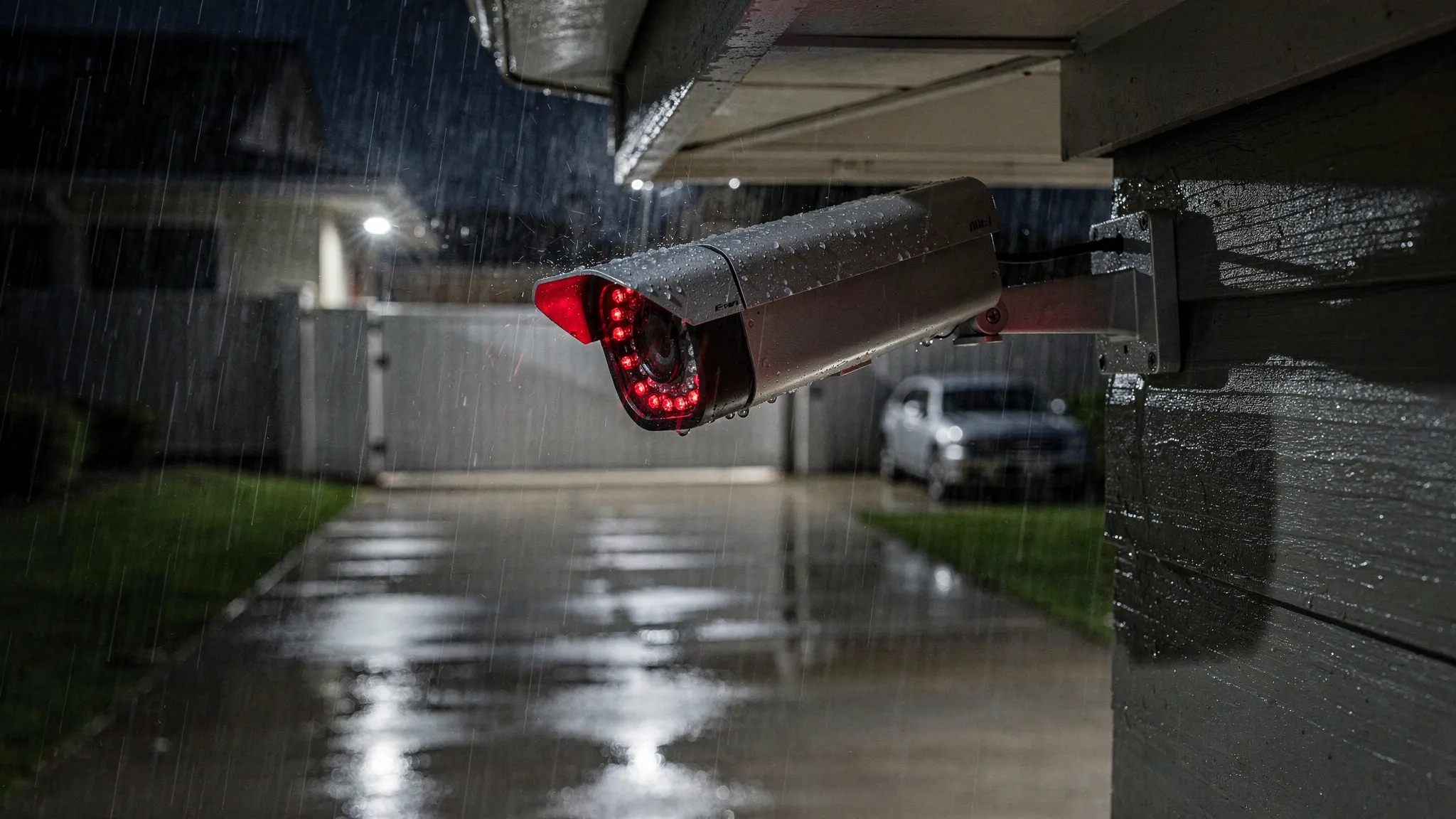
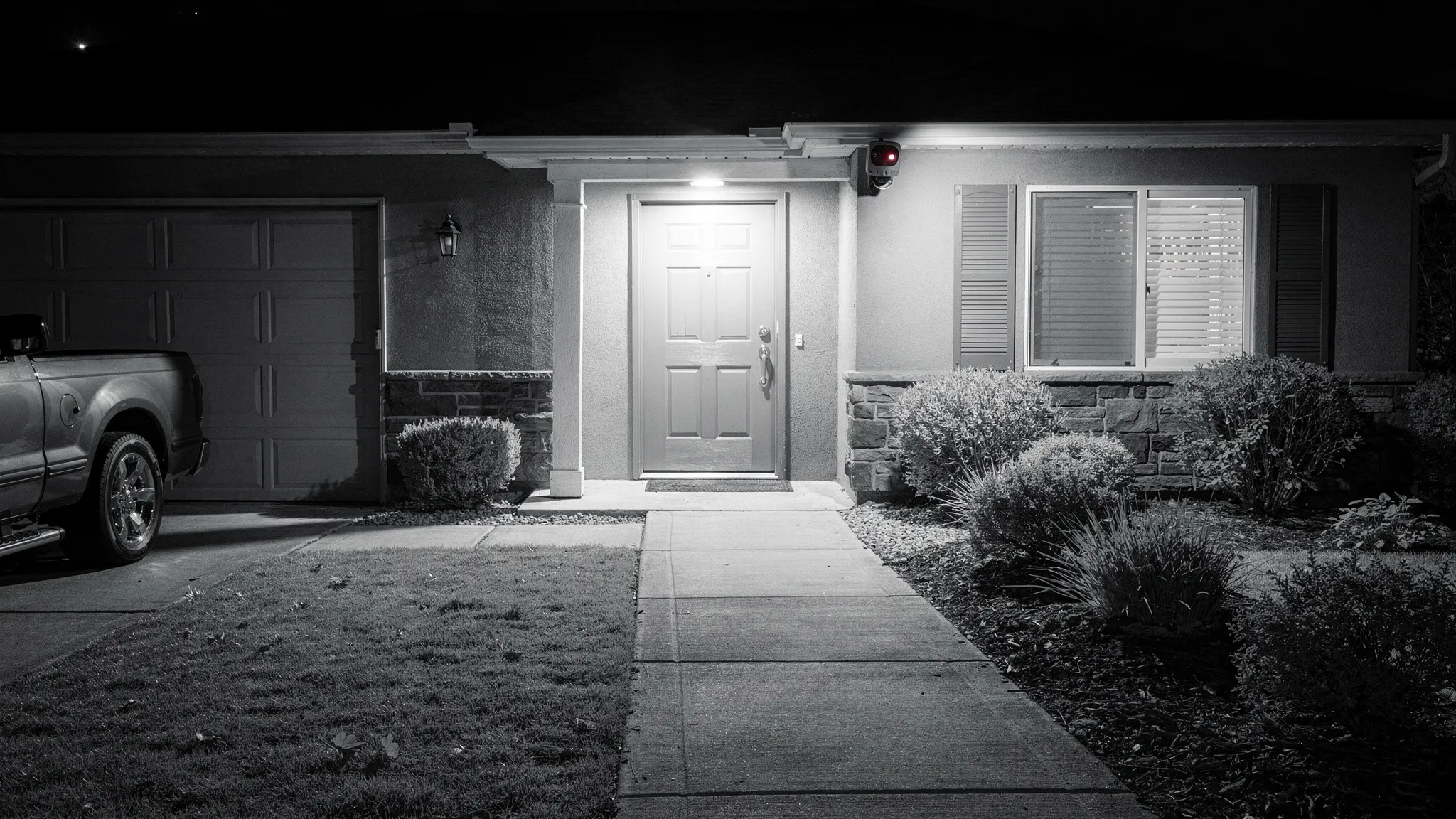
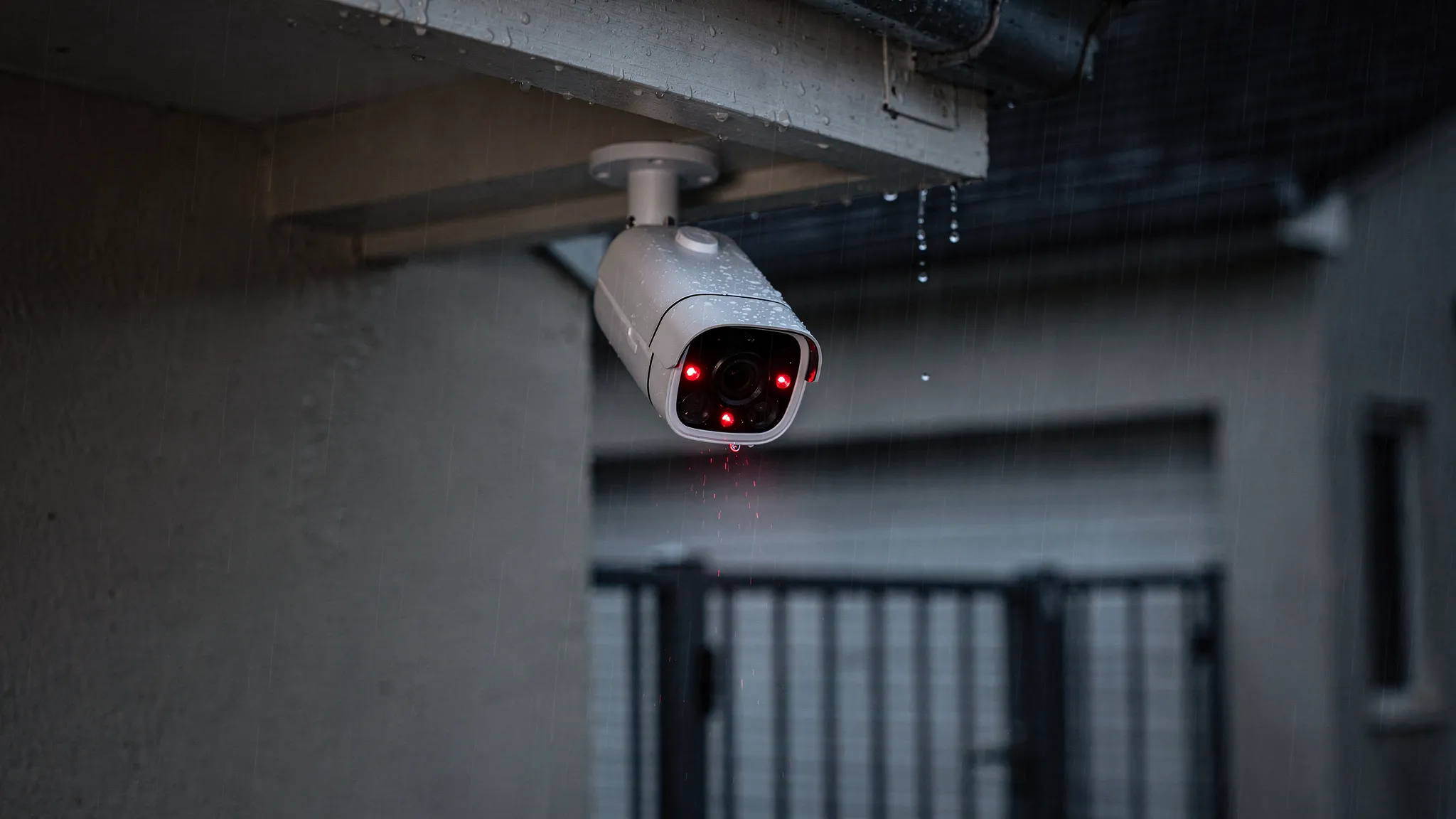
Most night vision cameras rely on infrared (IR) illumination. The camera turns on IR LEDs, and its sensor captures reflected IR light to create a black-and-white image. This is effective, but it is not magic. Image quality at night depends on how well the camera handles low light, glare, and motion.
Common night-vision approaches you will see:
Infrared (IR) night vision (black-and-white)
IR is the most common option for outdoor security. It can deliver reliable visibility even in complete darkness, especially when paired with high-intensity infrared lights.
What to watch for outdoors:
- IR reflection and glare from nearby walls, gutters, soffits, or shiny surfaces can wash out the image.
- Rain, fog, and snow can reflect IR light back into the lens, reducing clarity.
- Insects attracted to IR can trigger motion events and block the view.
Low-light colour (“starlight”) and spotlight-assisted colour
Some cameras aim to keep colour at night using sensitive sensors, wider apertures, or built-in spotlights. Colour can be helpful for identifying clothing, vehicles, or packages, but it depends heavily on ambient lighting.
A practical rule: if your outdoor area is truly dark, IR remains the most consistent option.
Thermal imaging (specialist use)
Thermal is excellent for detection, but it is typically expensive and less useful for facial or fine-detail identification. For most home setups, it is beyond what you need.
The core checklist for an outdoor security camera system with night vision
Instead of focusing on one headline spec, evaluate your camera system as a chain: capture, detect, record, access, and secure.
1) Night image quality: sensor, IR strength, and motion handling
At night, motion blur is the number one reason footage becomes unusable. A camera can show a bright scene but still fail to identify a person moving quickly.
Look for:
- Strong IR illumination suitable for your garden/driveway depth, not just a short porch.
- Good low-light performance (often described as low-lux performance, even if manufacturers vary in how they report it).
- Balanced exposure so faces are not blown out when someone is close to the camera.
Tip: if possible, test a camera by walking the path you care about (gate to door, driveway to garage) at night. The goal is to confirm recognisable faces or readable plates at the distance that matters to you.
2) Weatherproofing: IP ratings that match real UK weather
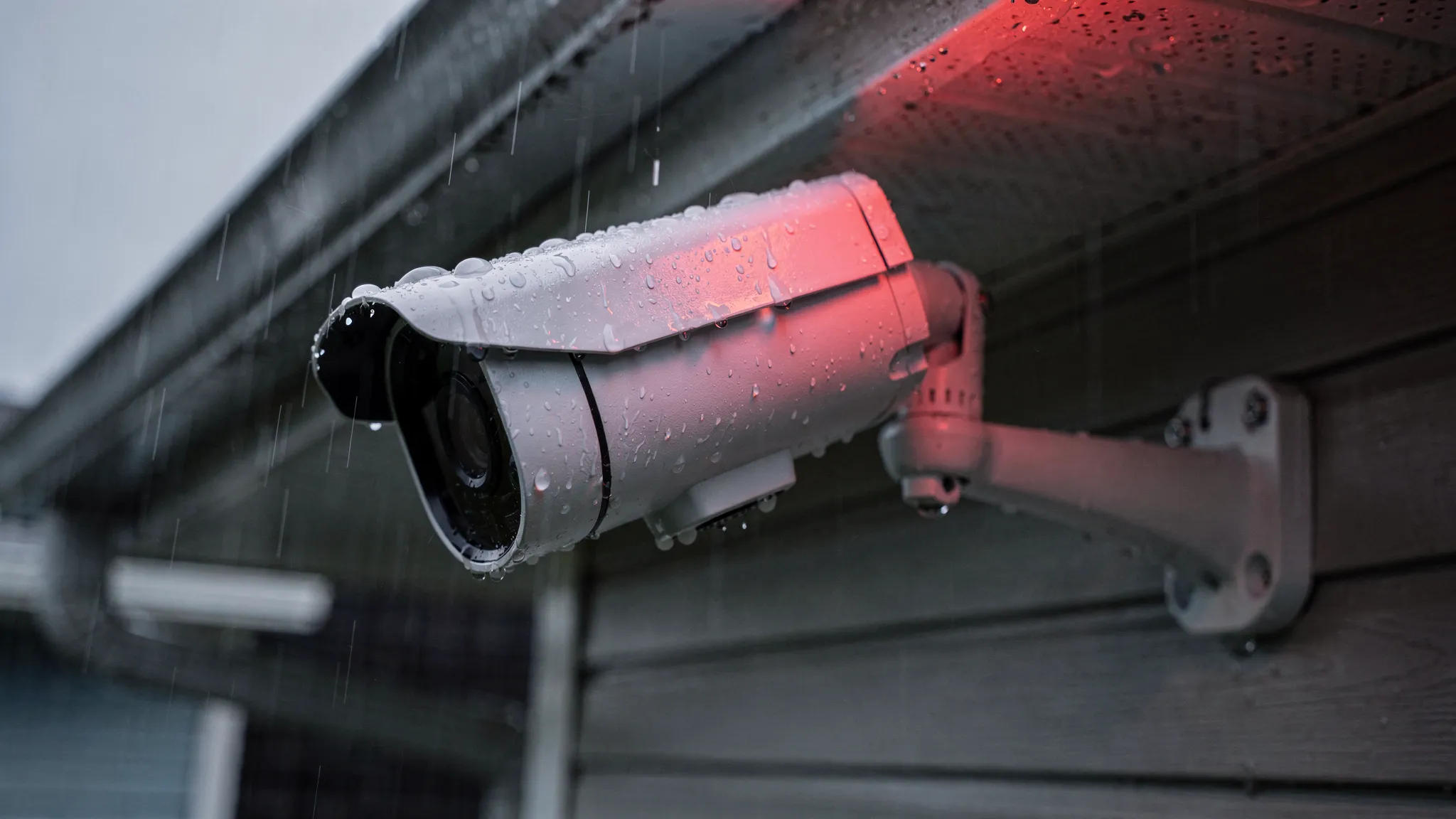
For outdoor use, an IP rating matters. IP66 is a strong indicator of protection against dust and heavy water jets, which is relevant for wind-driven rain.
Also consider:
- Cable entry points and seals (a common failure point)
- Mount stability in high winds
- Operating temperature range (important if the camera is exposed)
3) Detection that reduces false alerts
Outdoor motion alerts can become noise fast. Trees, shadows, pets, and headlights can trigger constant notifications.
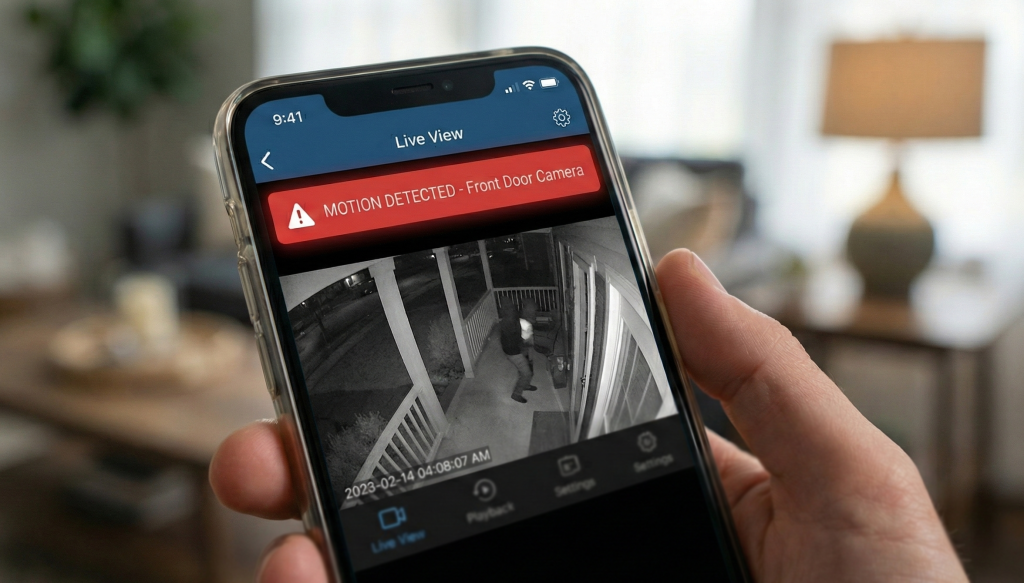
A major upgrade is AI human detection, which aims to distinguish people from general motion. It does not make a camera perfect, but it can dramatically reduce junk alerts so you actually pay attention when a notification arrives.
4) Recording and evidence: cloud, local, or both
A good outdoor system should answer two questions:
- Will it record when Wi-Fi drops?
- Will footage still exist if the camera is stolen?
Many households choose a hybrid approach: local recording for continuity plus cloud recording for off-site backup.
Here is a simple comparison:
| Recording method |
What it’s good for |
Trade-offs to consider |
| MicroSD (local) |
Works even if internet is down, fast access, no ongoing fees |
If the camera is stolen or damaged, the card can be lost too |
| Cloud |
Off-site backup, easier sharing, safer if camera is stolen |
Depends on internet, may involve a subscription, check retention policies |
| Local + cloud |
Best coverage for reliability and incident recovery |
More setup, potential ongoing cost |
If you choose MicroSD, buy a reputable card designed for continuous recording (often marketed as “high endurance”).
5) Remote access and day-to-day usability
A camera is only helpful if you can review clips quickly and confidently. Look for:
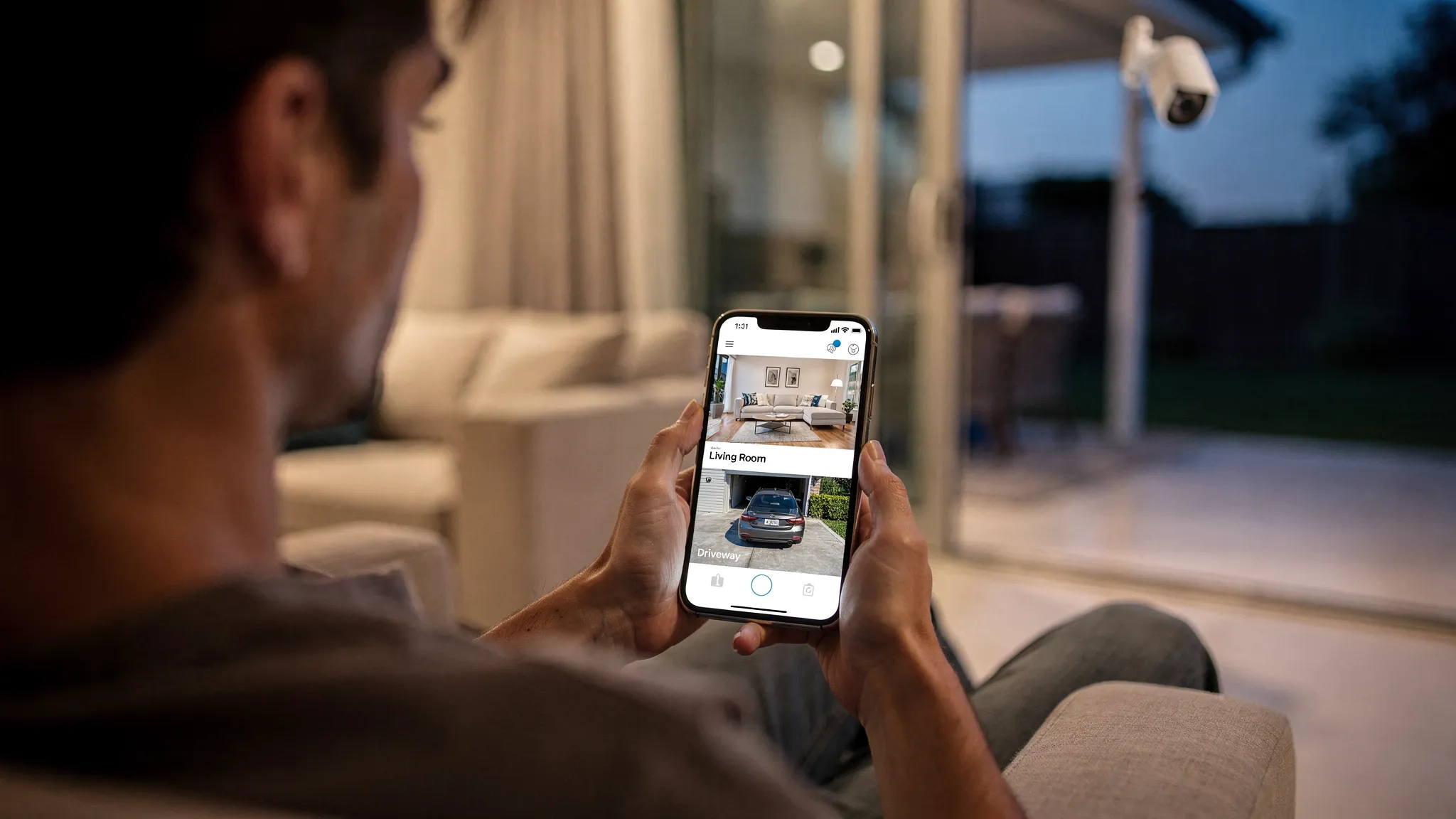
- 24/7 remote access via a mobile app
- Clear timeline playback and event filtering
- Strong account security options (use unique passwords and enable any available two-step verification)
Coverage matters more than resolution: field of view, placement, and zoom
Many buyers overestimate what resolution alone can do. A wide-angle camera can capture a whole driveway, but a person’s face may still be too small at the far end.
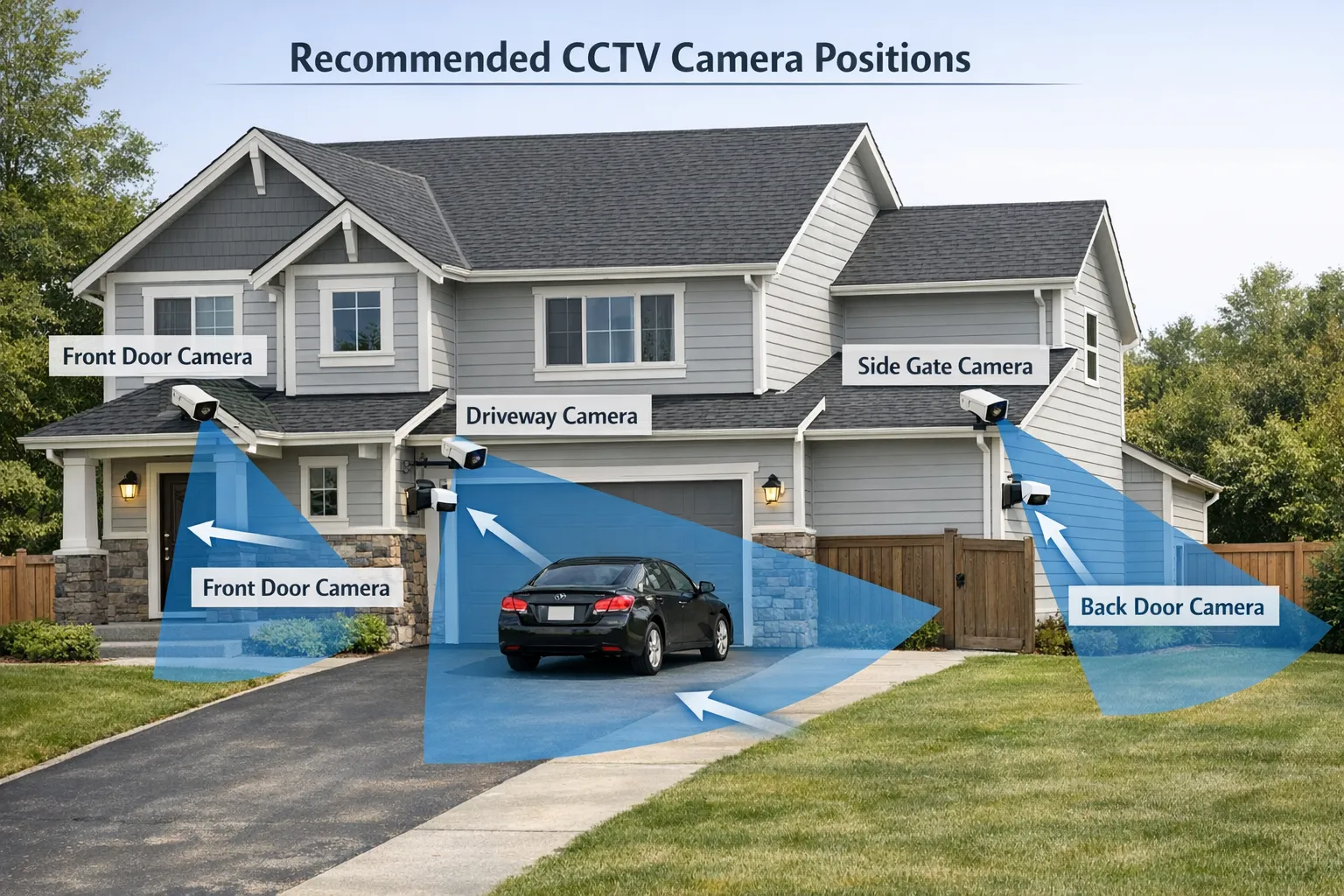
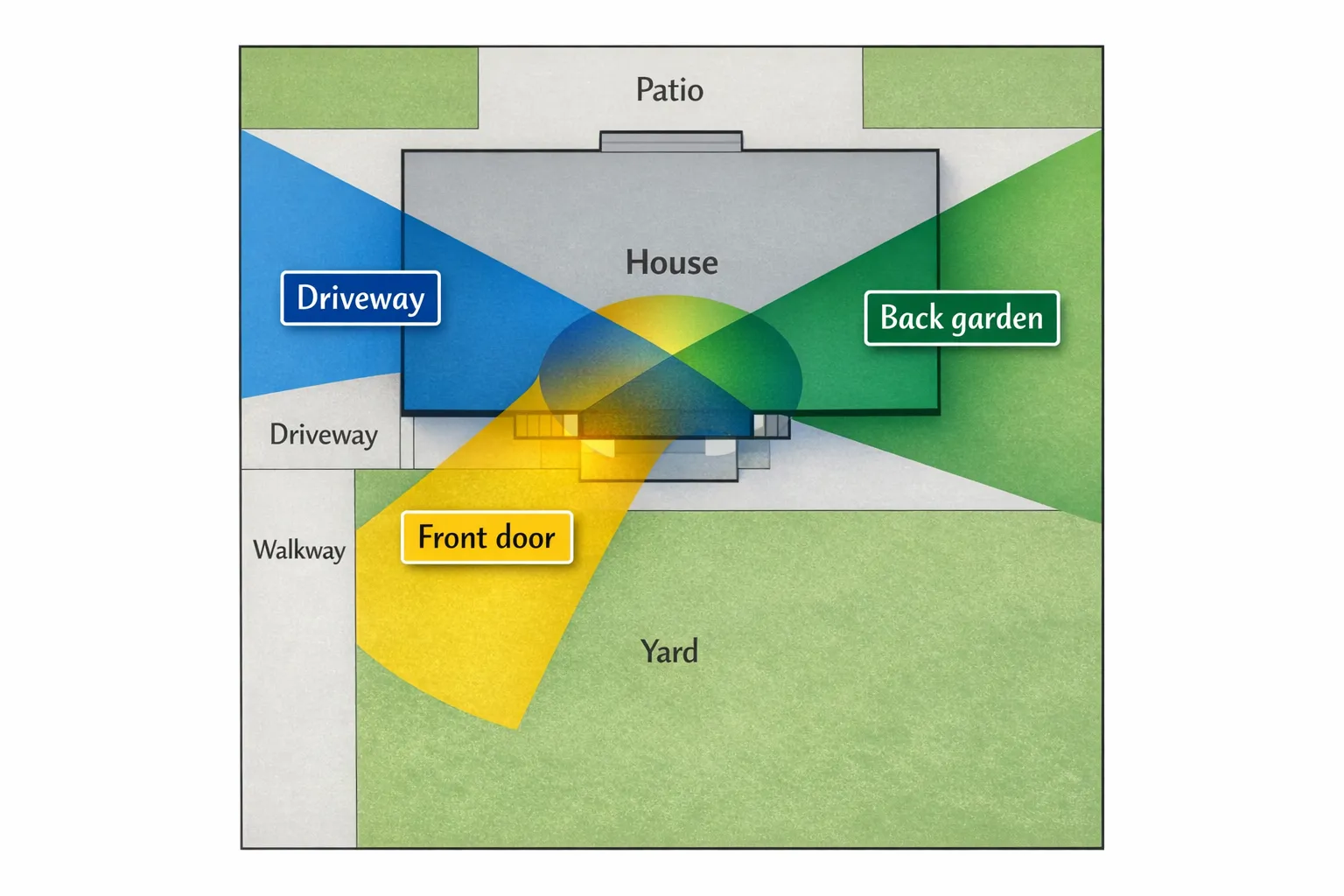
Better outcomes usually come from designing coverage intentionally:
- Use overlap: one view for approach (wide) and one for identification (closer).
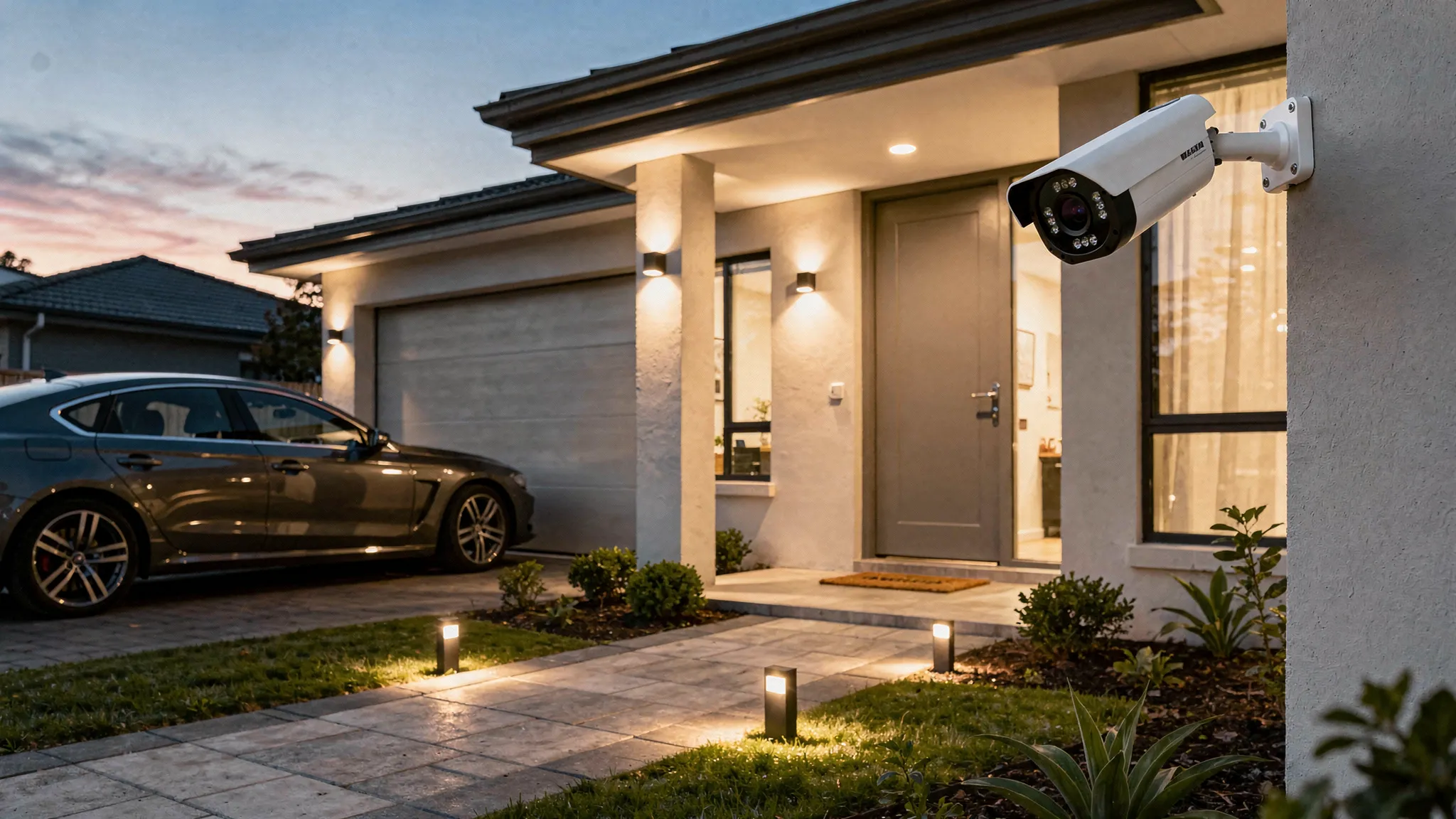
- Mount at the right height: too high reduces facial detail, too low increases tampering risk.
- Avoid aiming directly at lights: porch lights and car headlights can destroy night detail.
Why pan/tilt/zoom helps outdoors
Pan/tilt/zoom is useful when:
- You want one device to cover multiple angles (driveway plus gate)
- You need to check a wider area on demand
- You want to zoom in for detail after receiving an alert
Just remember: a camera cannot watch everywhere at once if it is physically pointed in one direction at a time. For high-risk areas, fixed coverage or multi-camera setups can be more reliable.
Dual-lens outdoor cameras: when they make sense
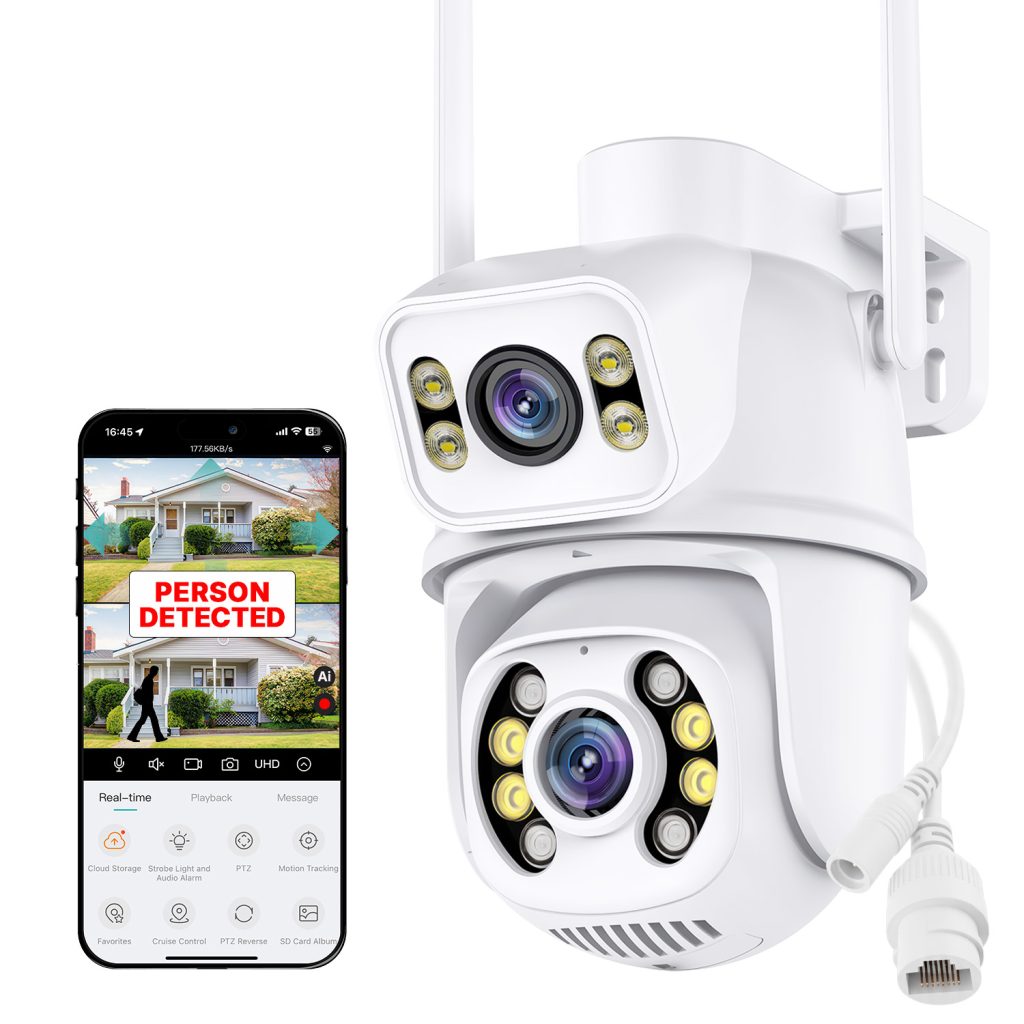
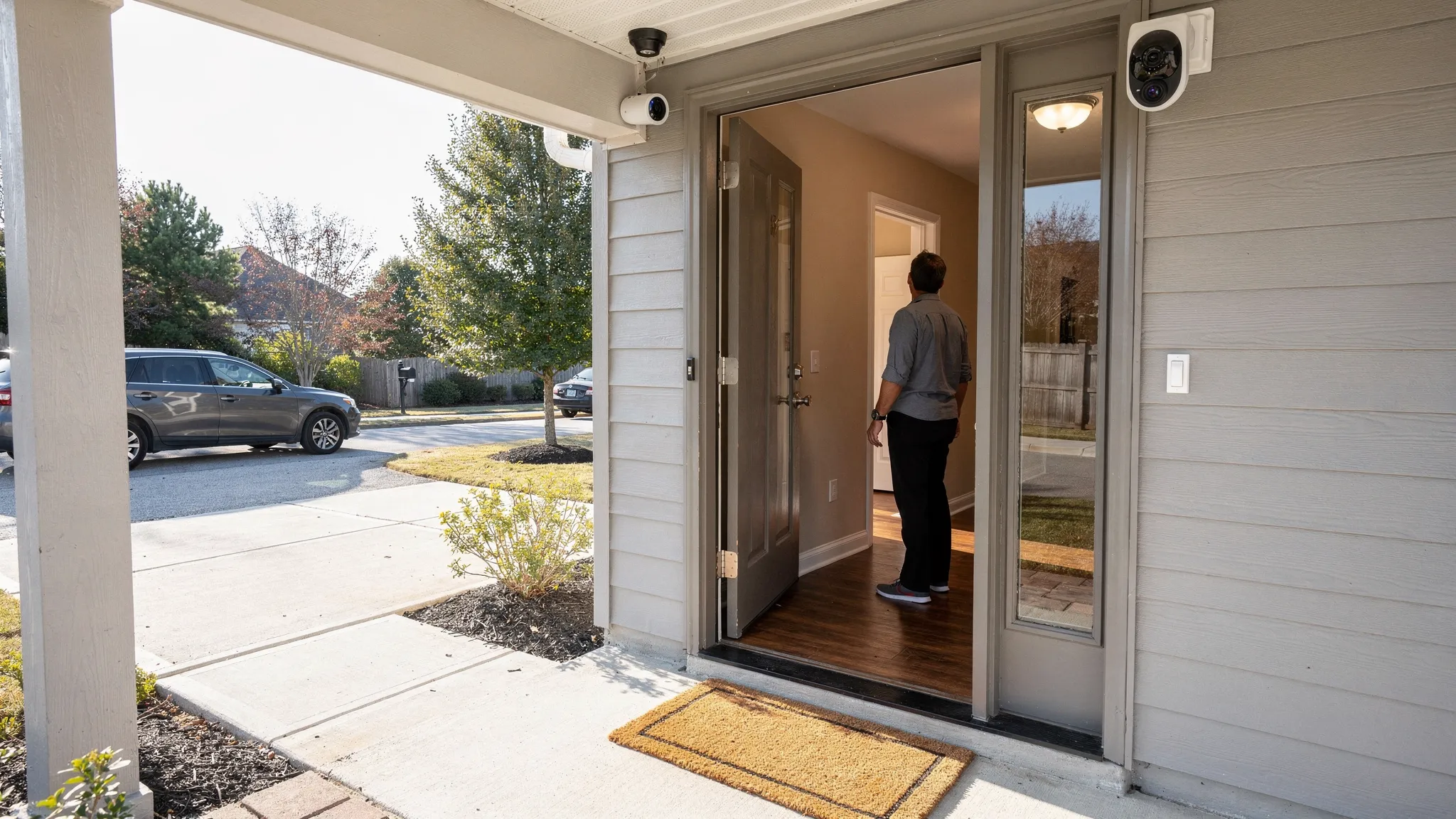
A dual-lens design can help when you want both broad context and closer detail from the same mounting position. For example, one lens can maintain situational awareness while the other focuses tighter.
This approach can be especially useful at night, where identification is harder and you benefit from having both context (what happened) and detail (who it was).
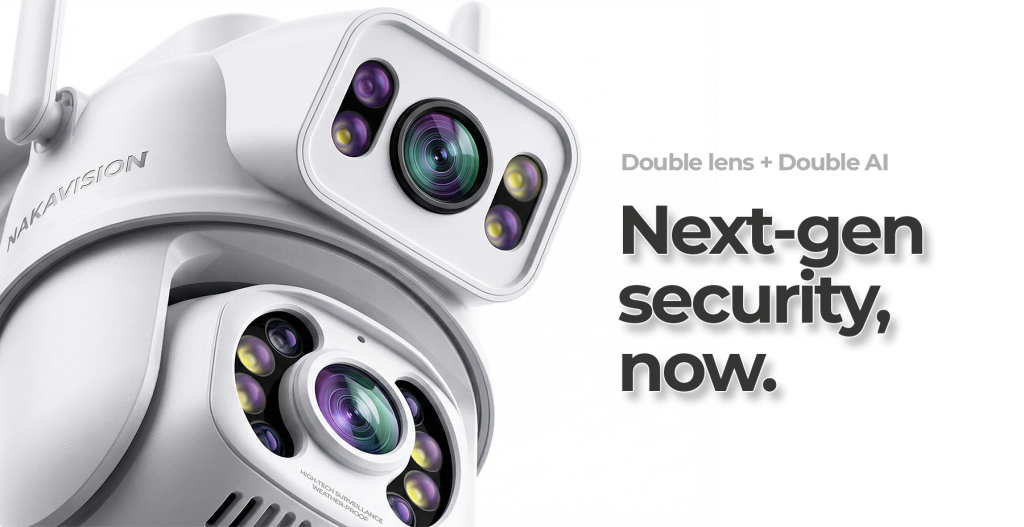
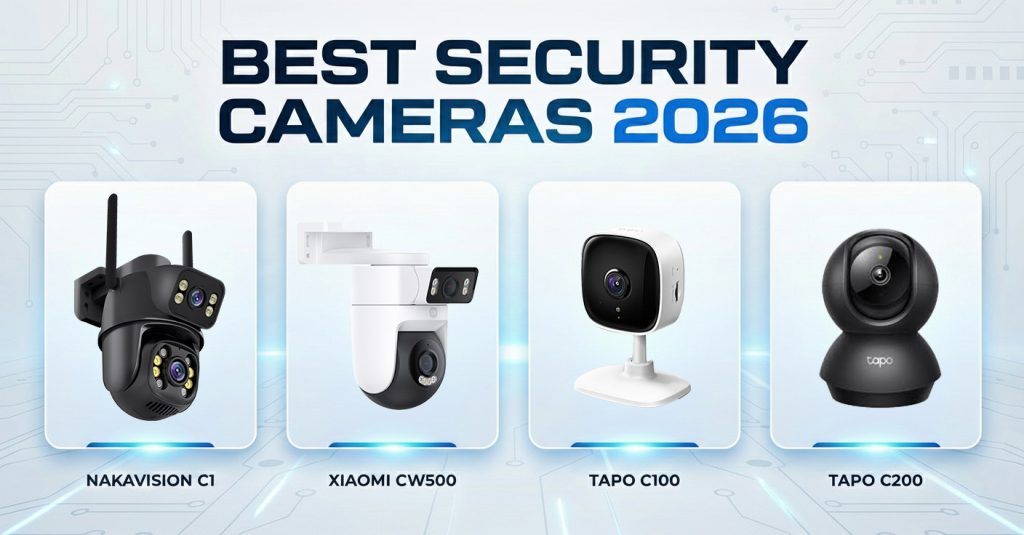
Example: what to look for in a camera like Nakavision C1
If you are evaluating a camera in the “outdoor-ready, night-vision-focused” category, it can be helpful to map features to real problems you are trying to solve.
Nakavision describes the Nakavision C1 as a dual-lens home security camera designed for indoor and outdoor use, with:
- Dual-lens HD monitoring
- AI human detection
- 24/7 remote access
- Pan/Tilt/4x Zoom
- High-intensity infrared lights
- Weatherproofing (IP66)
- Cloud and local recording
- MicroSD card support
- Two-way audio intercom
- Mobile app integration
Translated into practical benefits outdoors:
- High-intensity infrared lights can improve visibility in unlit spaces, such as side passages and back gardens.
- AI human detection can reduce false alerts from trees, rain, and general motion.
- IP66 weatherproofing is important for exposed mounting points.
- Cloud plus local recording can help you keep footage available even if connectivity drops or a device is tampered with.
If you are comparing options, use those features as a checklist and then validate the fundamentals: placement, lighting, and recording reliability.
A buying guide table you can actually use
Use this as a quick filter when comparing an outdoor security camera system with night vision.
| Feature |
Why it matters outdoors |
What “good” looks like |
| Night vision (IR) |
Enables visibility in complete darkness |
Strong IR with clear subject detail, not just a bright image |
| Weatherproof rating |
Rain and dust exposure are constant |
IP66 or better for exposed placements |
| AI human detection |
Reduces notification fatigue |
Person alerts that are consistent and configurable |
| Recording options |
Preserves evidence |
Local MicroSD support, cloud option if you want off-site backup |
| Remote access |
You will check events on your phone |
Stable app, quick playback, simple sharing |
| Pan/tilt/zoom |
Helps scan larger areas |
Smooth control, usable zoom for detail checks |
| Two-way audio |
Useful for deliveries and deterrence |
Clear enough audio to communicate at the door or gate |
| Installation flexibility |
Homes vary |
Indoor/outdoor support, secure mounting, sensible cable management |
Installation and setup tips that improve night footage immediately
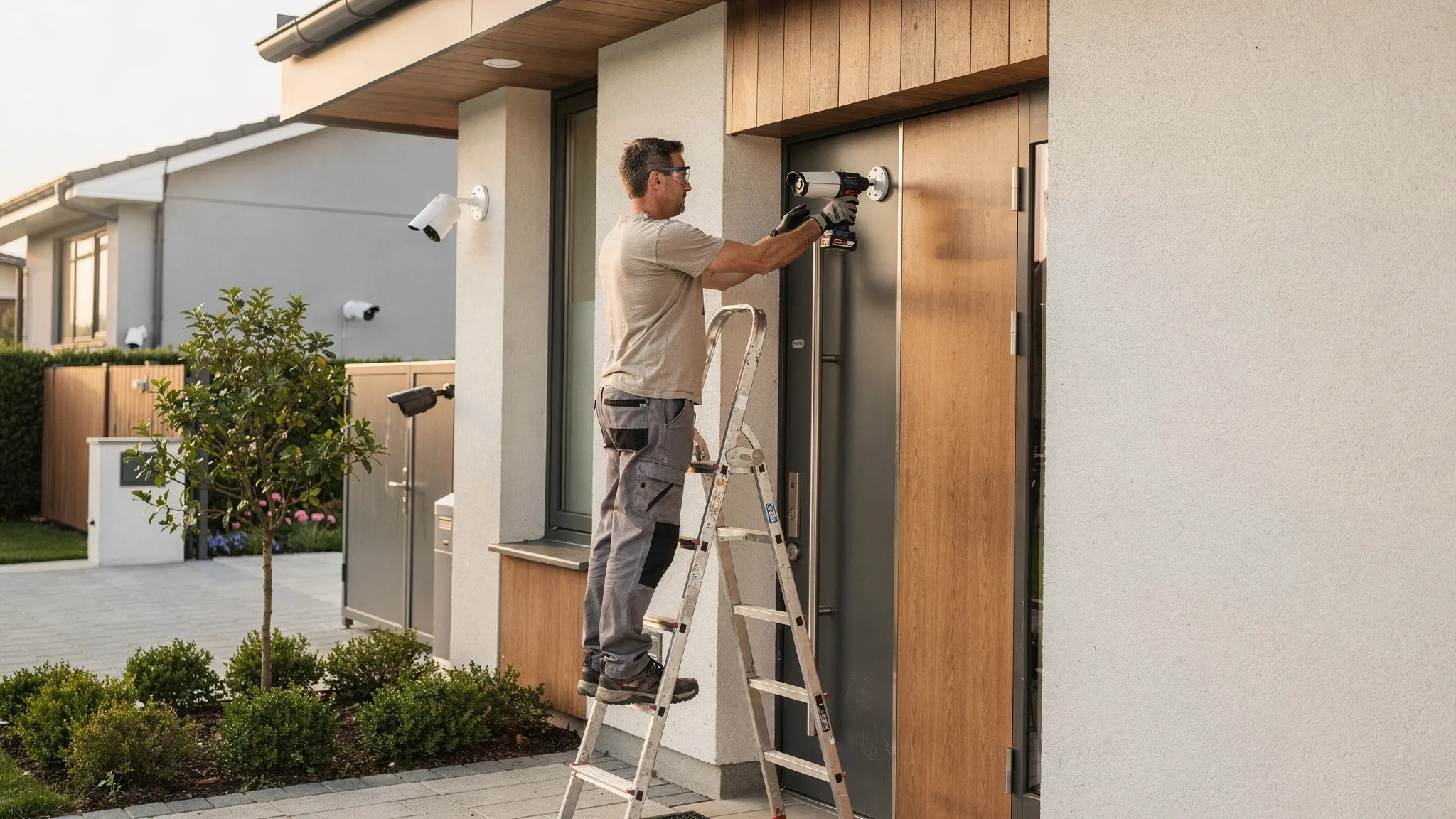
You can buy a great camera and still get poor night results if installation is rushed. These steps make a visible difference:
Position the camera to control glare
Avoid mounting where IR light will bounce off a nearby wall that fills half the frame. Even a small change in angle can reduce washout.
Test for real distances, not just “it looks bright”
At night, walk the exact routes you care about (driveway, path, gate, shed). Confirm whether you can identify a person at the farthest relevant point.
Manage motion zones
If your app supports activity zones, exclude swaying trees and roads. This reduces false alerts and keeps recordings focused.
Plan storage around incidents, not convenience
For higher-risk areas (front door, driveway), consider cloud backup in addition to local recording so footage survives theft or damage.
Secure the account and the Wi-Fi
A security camera is part of your security perimeter. Use a unique password and keep your router firmware up to date. If your camera supports it, enable additional sign-in security.
Privacy and legality in the UK (quick, practical overview)
In the UK, domestic CCTV use is generally allowed, but responsibilities increase if your cameras capture areas beyond your property boundary (for example, the street or neighbours’ gardens).
The UK Information Commissioner’s Office provides practical guidance for home CCTV users, including being considerate with positioning, limiting coverage where possible, and handling footage appropriately. See the ICO’s guidance on domestic CCTV systems.
If in doubt, angle cameras to focus on entry points you own and use privacy masking features if your device/app supports them.
Frequently Asked Questions
Do outdoor night vision cameras work in complete darkness? Yes, if they use infrared (IR) illumination. Performance still varies based on IR strength, scene reflections (walls, rain), and how well the camera handles motion.
Is colour night vision better than infrared? Not always. Colour night vision can be helpful when there is enough ambient light or a spotlight, but IR is often more reliable in truly dark outdoor areas.
What IP rating should I look for in an outdoor security camera? For exposed outdoor installation, IP66 is a strong baseline. It indicates protection against dust and powerful water jets, which suits typical wind-driven rain.
Should I choose cloud recording or MicroSD recording? MicroSD is great for recording continuity and avoiding subscriptions. Cloud is valuable for off-site backup if the camera is stolen or damaged. Many people prefer using both.
How do I reduce false alerts outside? Use AI human detection if available, set motion zones to exclude roads and trees, and avoid aiming at moving foliage or reflective surfaces.
Where should I mount an outdoor camera for the best night footage? Aim for a view that captures faces at your key choke points (gate, path, door) without pointing directly at lights. Test at night by walking the route and reviewing the clip.
Choosing a night-vision outdoor camera that you will actually trust
If your goal is reliable night coverage with fewer false alerts, prioritise night performance, weatherproofing, smart detection, and a recording setup that protects your evidence.
If you want a single camera designed to cover more area with strong night capability, you can explore the Nakavision C1, a dual-lens camera with AI human detection, high-intensity infrared lights, IP66 weatherproofing, pan/tilt/4x zoom, two-way audio, and cloud plus local recording support. Learn more at Nakavision.